Noise is an unwanted additional signal, or distortion of signal, which results in unstable readings. It can occur due to a variety of sources and can have a negative impact on your sensor’s performance. So, how do you avoid this from happening? We created this short guide to help you minimize noise in your force measurement system.
COMMON SOURCES OF ELECTRICAL NOISE
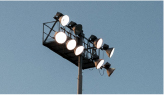
Lights
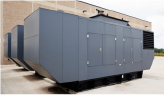
Generators
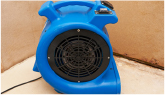
Fans
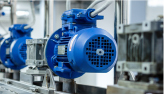
Motors
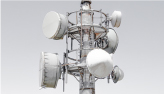
RF signals
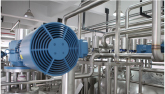
Industrial Machinery
Cell Phones

Computers
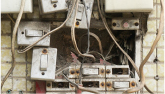
Switches and relays
SIGNAL DISTORTED BY NOISE
When testing for noise, it is helpful to test one component first and then add the next component, observing variations in noise as the system is built up. Grounding inputs to components can help determine how much noise that component is contributing or receiving.
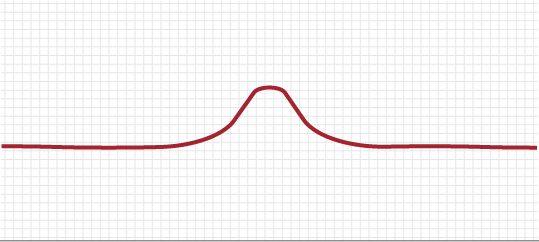
Figure 1. Desired Signal
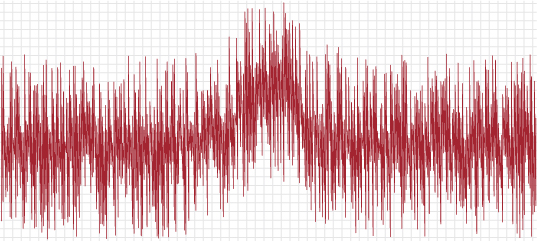
Figure 2. Signal with Noise
TESTING FOR NOISE
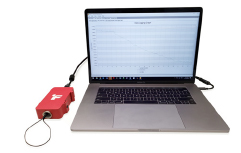
1. On the DAQ/PLC or USB and computer system, ground all inputs and observe how much noise is present. This should give you an idea of how much noise your system will generate.
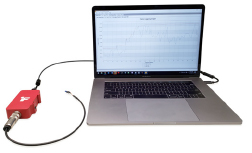
2. Attach the cable for the sensor, or amplifier, to the DAQ/PLC. Then ground the input through the cable to the DAQ/PLC. This will show how much noise the cable adds to the system.
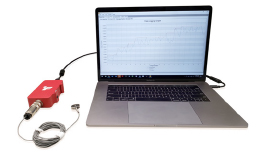
3. Attach the sensor or amplifier to the cable and observe any additional noise. If you’re connecting an amplifier, continue testing noise in the system by grounding the input to the amplifier.
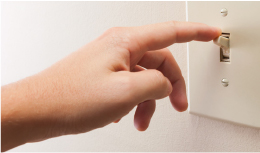
4. Turn on and off equipment nearby to test for sources of noise while observing noise in components.
REDUCING NOISE
Below are some tips on reducing noise. For instruments that have inherent noise, refer to the instrument spec sheet for expected noise levels.
- Shields should only be connected on one end to avoid ground loops. A cable shield is not in contact with a sensor when it is labeled as “floating” on the sensor spec sheet.
- Move cables away from equipment. Avoid unnecessary cable length.
- Utilize cables with ferrite beads or ferrite chokes.
- Make sure that your application is situated away from items that may create noise. If possible, try to isolate components by, for example, using a shielded cover.
- Look for any ground connections in your application that are shared with other equipment and try to isolate them if possible.
- Avoid using low-quality cables and connectors.
- Consider using an instrument, such as the FUTEK IAA300 Differential Strain Gauge Amplifier, in order to reduce noise through differential signal cancellation.
- If possible, keep your system in an environment that has a constant temperature. Temperature changes on a sensor can cause readings to drift. Uneven temperature changes across a sensor can have larger effects.
- Ensure that sensor support surfaces are stable and do not give over time.
- Avoid loading the sensor with material that is susceptible to high vibrations.
- Allow for equipment to warm up before taking readings.
- Avoid setting up your system in an environment that will be exposed to loud noises.
- Avoid airflow onto application components from air conditioners or heaters.
- Use fewer significant figures when programming an instrument to ensure that you are working with stable and more accurate readings.
- Consider software averaging to establish a static signal. Note: averaging may reduce bandwidth.
- Apply digital filtering if available.
Drawing Number: AP1078